Open ImageSlim
No install and no sign-up with us. Open it in any browser, connect a cloud account, and scan. Install it to your home screen if you want it one tap away.
Find and remove duplicate photos in your cloud storage — free, in your browser, with nothing uploaded anywhere.
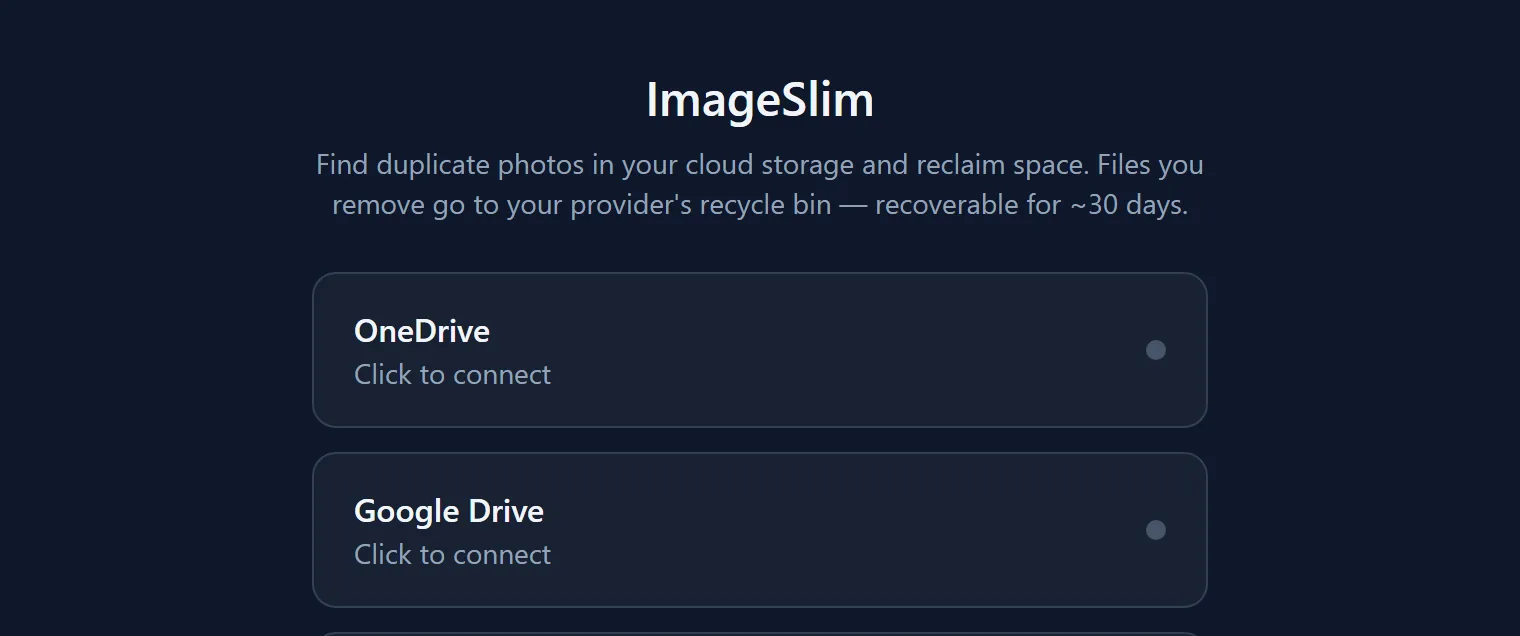
ImageSlim finds and removes duplicate photos across OneDrive and Google Drive — and it runs entirely in your browser. There is no backend, and no server ever holds your cloud tokens. Anything you delete goes to your provider's own recycle bin, recoverable for around 30 days.
Exact duplicates are found for free using each provider's own content hash — OneDrive's quickXorHash, Google Drive's md5Checksum — so nothing has to be downloaded just to compare it. Visually similar photos are the harder case: resized, recompressed, renamed, or the same shot sitting in two different clouds. Those are caught with a perceptual hash and Hamming-distance clustering, computed off the main thread in a web worker and cached in IndexedDB so a second scan is fast.
Once it has the groups, a smart-keep heuristic suggests which copy to keep — highest resolution, then largest, then oldest, then shortest filename — and nothing is deleted until you confirm. You can dial match sensitivity between strict and loose, and scan everything or a faster quarter sample.
Finding duplicates normally means downloading someone's whole photo library, which is exactly what people do not want. Hashing runs in the browser on Web Workers with results cached in IndexedDB, so the comparison happens on the visitor's own machine and the library never leaves their cloud account.
No install and no sign-up with us. Open it in any browser, connect a cloud account, and scan. Install it to your home screen if you want it one tap away.
We build our own products — and we build them for other people too.